








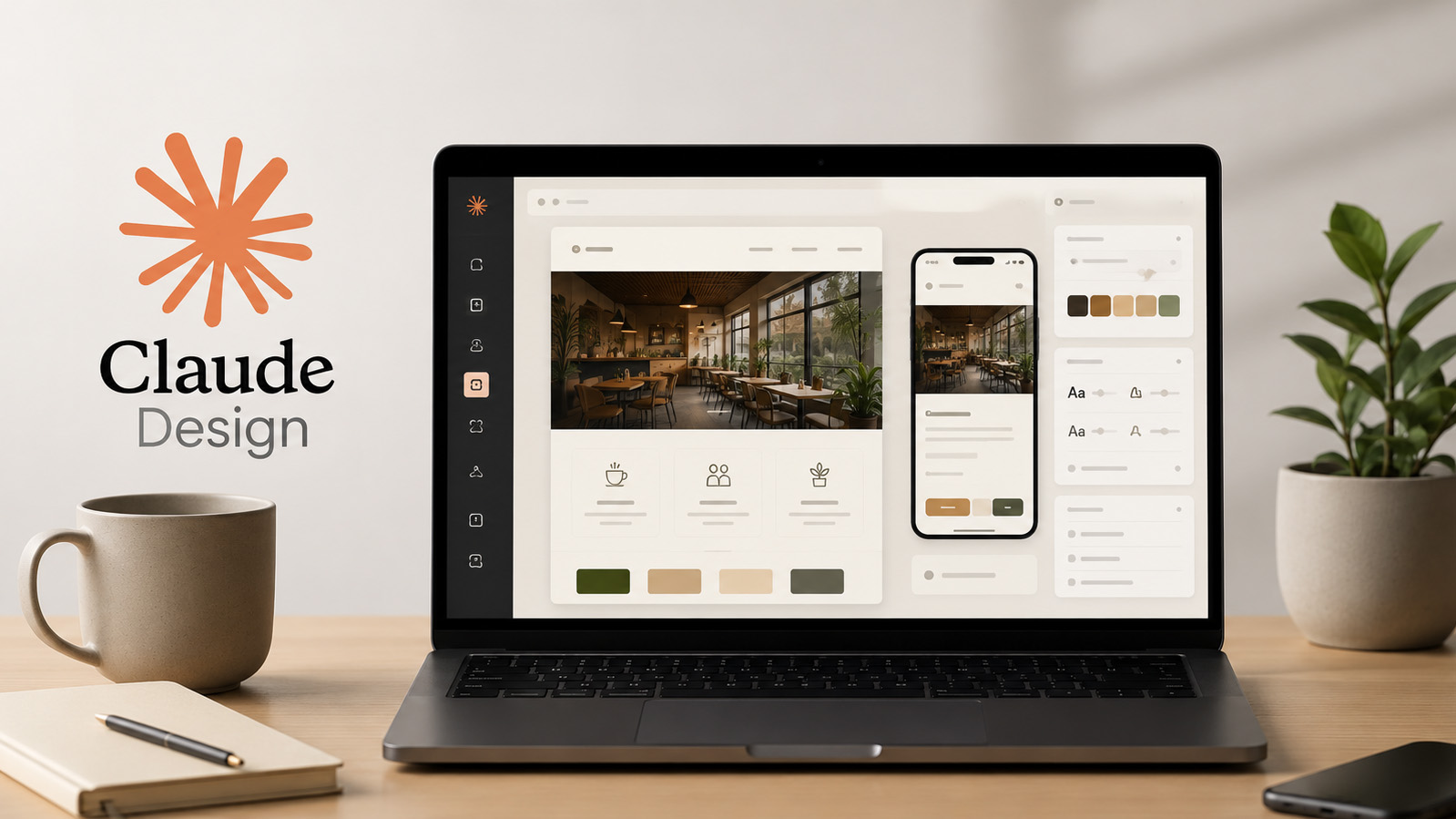
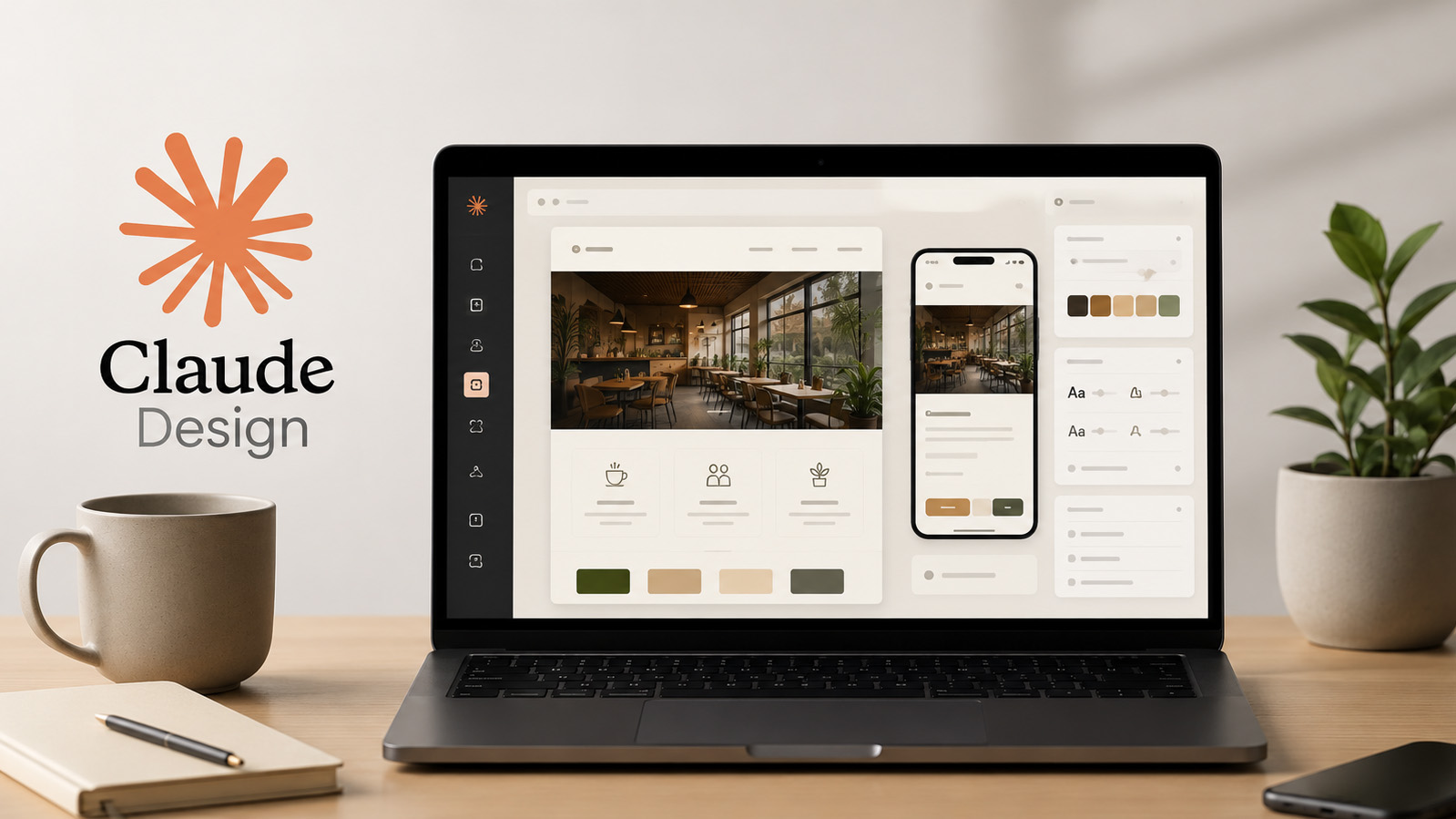
Claude Design - Create mockups, prototypes, and presentations with AI
Subscribe to Plus
Subscribe to Plus for unlimited access to premium courses.
Course requirements
To follow the training under the best conditions, you will simply need:
a Claude account with access to Claude Design (Pro, Max, Team, or Enterprise);
a computer connected to the Internet;
to know the basic operations of a browser (copy-paste, drag-and-drop, file downloading);
to have a personal, professional, or entrepreneurial project to put into practice, or simply to follow the Awé Café project proposed throughout the training.
Who is this course for?
About This Course
Claude Design allows you to transform an idea into a visual, mockup, presentation, or interactive prototype using artificial intelligence. Instead of mastering complex software, you simply describe what you want to create, and then you gradually improve the result by interacting with Claude.
This hands-on training guides you step by step in mastering Claude Design through a concrete project: the launch of Awé Café, a coworking café located in Lomé.
You will learn to create an initial project, formulate clear requests, correct a result through conversation, direct comments, and the Edit mode. You will also discover how to produce the different types of deliverables available: document, wireframe, presentation, interactive prototype, and animation.
The training will also show you how to apply a coherent visual identity, connect a design system with or without code, collaborate with a team, and then export and share your work as needed.
At the end of the course, you will have built a complete showcase site for Awé Café, from the initial description to the final export. You will then be able to reuse this method for your personal, professional, or client projects.
What Will You Learn?
Curriculum Overview
This course includes 8 modules, 31 lessons, 1 quizzes, and 1h 35min hours of video.
Understand what Claude Design is and what it is used for concretely.
Understand what Claude Design can produce, and what it does not do.
Know when to choose Claude Design over Canva or Figma.
Navigate the homepage and the prompt area of Claude Design.
Knowing how to clearly describe what we want to create.
Create your first project with Claude Design and achieve a first result.
Know how to read and analyze a result generated before modifying it.
Knowing how to enrich a project with imported elements: image, document, or existing site.
Knowing how to modify a project through conversation for general adjustments.
Know how to use direct comments to target a specific element of the canvas.
Know how to use the Edit mode to finely adjust a specific element.
Know how to ask Claude for a critical opinion on the accessibility and clarity of a project.
Knowing how to explore a new direction for a project without losing the work already done.
Knowing how to choose the right deliverable format according to the intended objective.
Know how to create a web page or a showcase site with Claude Design.
Knowing how to create a wireframe to think about the structure of a product.
Knowing how to create a clear presentation to convince a specific audience.
Know how to create an interactive prototype to test an experience before development.
Know how to create a short animation to complement an existing deliverable.
Know how to apply a consistent visual identity throughout a project.
Know how to create a design system without code, using the "Create here" method.
Learn to create a design system from React components, with Claude Code.
Knowing how to choose the right level of sharing for a project.
Know how to collaborate with others on the same Claude Design project.
Understand the different export formats available and their usage.
Know how to export a project to Canva, PDF, or PPTX.
Knowing how to hand over a project to a developer for its actual online launch.
Know how to prepare a simple specifications document for a final project.
Knowing how to build and refine a complete project, from start to finish.
Know how to finalize, export, and present a completed project.
Test your knowledge acquired in this course.
Course Certificate


Course reviews

Instructor
This Course Includes
Course Specifications
Send Course as Gift
.svg)
.svg)

.svg)
Leave a Comment
Please log in to leave a comment.